
Managing Taxes and Discounts
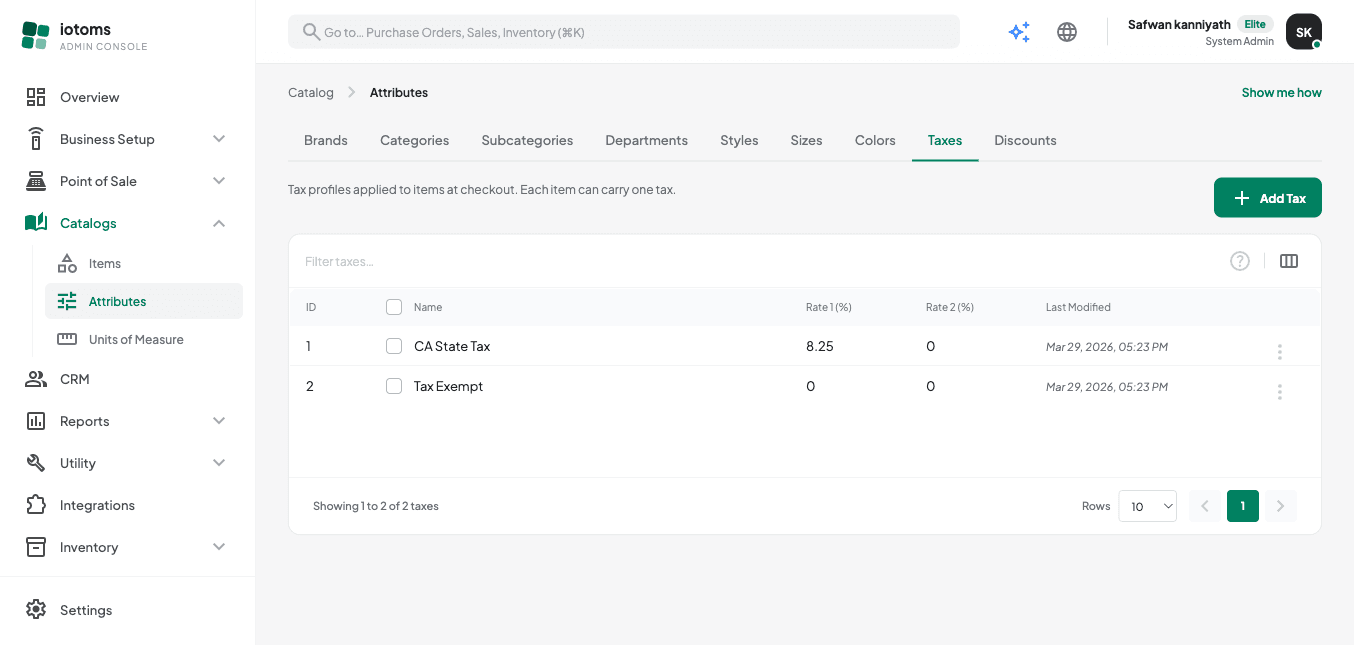
- On the Attributes page, switch to the Taxes or Discounts tab.
- Taxes: click Add Tax, give it a name (e.g. "GST 6%"), and set Tax Rate 1 and, if
needed, Tax Rate 2 (a secondary compound rate). Rates are entered as plain percentages
(e.g.
8.25for 8.25%). Assign a tax to an item from the item's Pricing panel. - Discounts: click Add Discount, give it a name, a Discount Type (0 = percentage off, 1 = fixed amount off), and a Rate. Assign a discount to an item from the item's Pricing panel.
Continue to Managing Units of Measure.