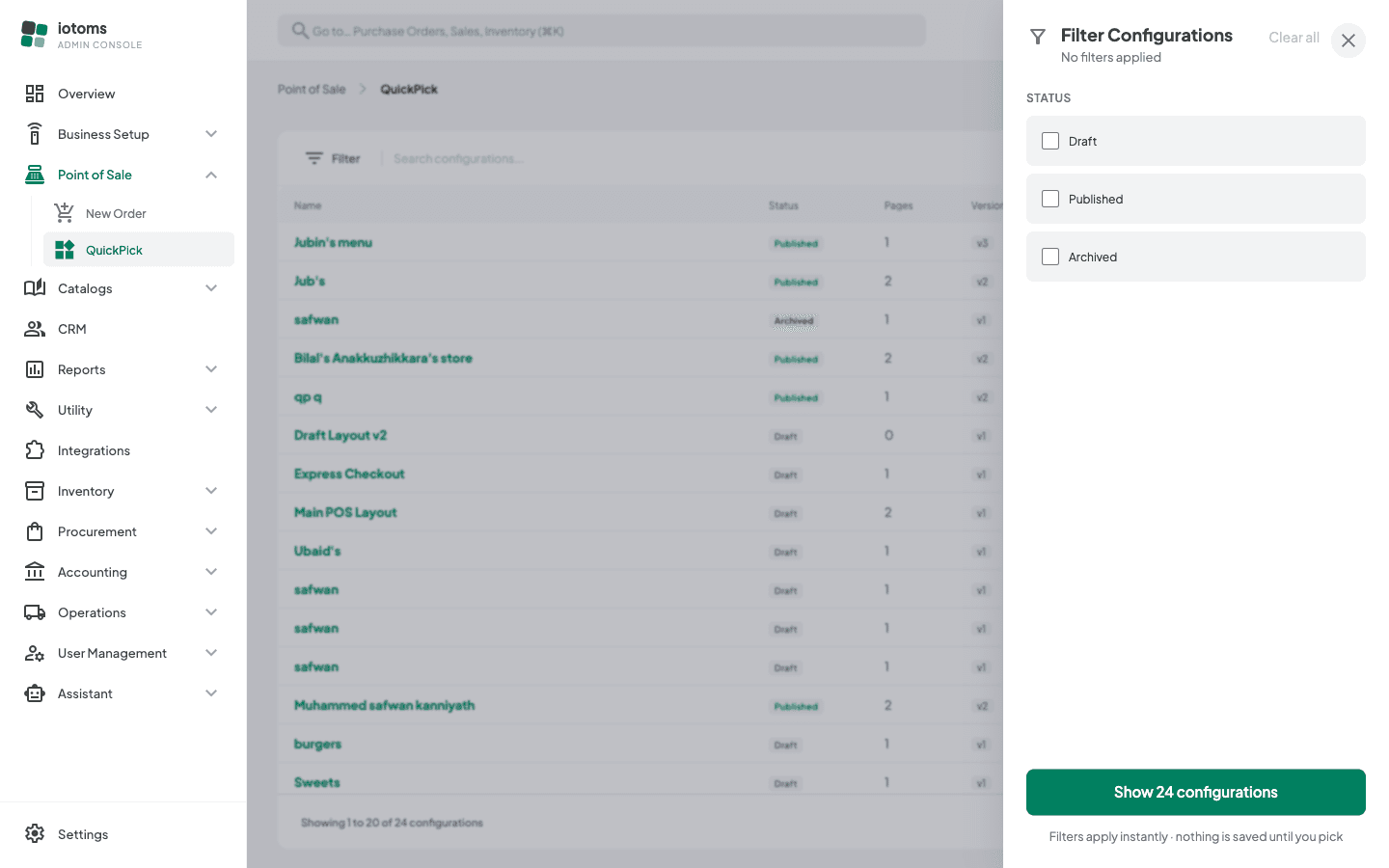
Filtering the List by Status
- Click the Filter button next to the search box.
- Tick one or more status checkboxes (Draft, Published, Archived).
- The list filters instantly as you tick/untick — there's no separate "Apply" button.
- Click Clear all in the filter panel's top-right to reset and see everything again. The green button at the bottom just closes the panel — it applies nothing.