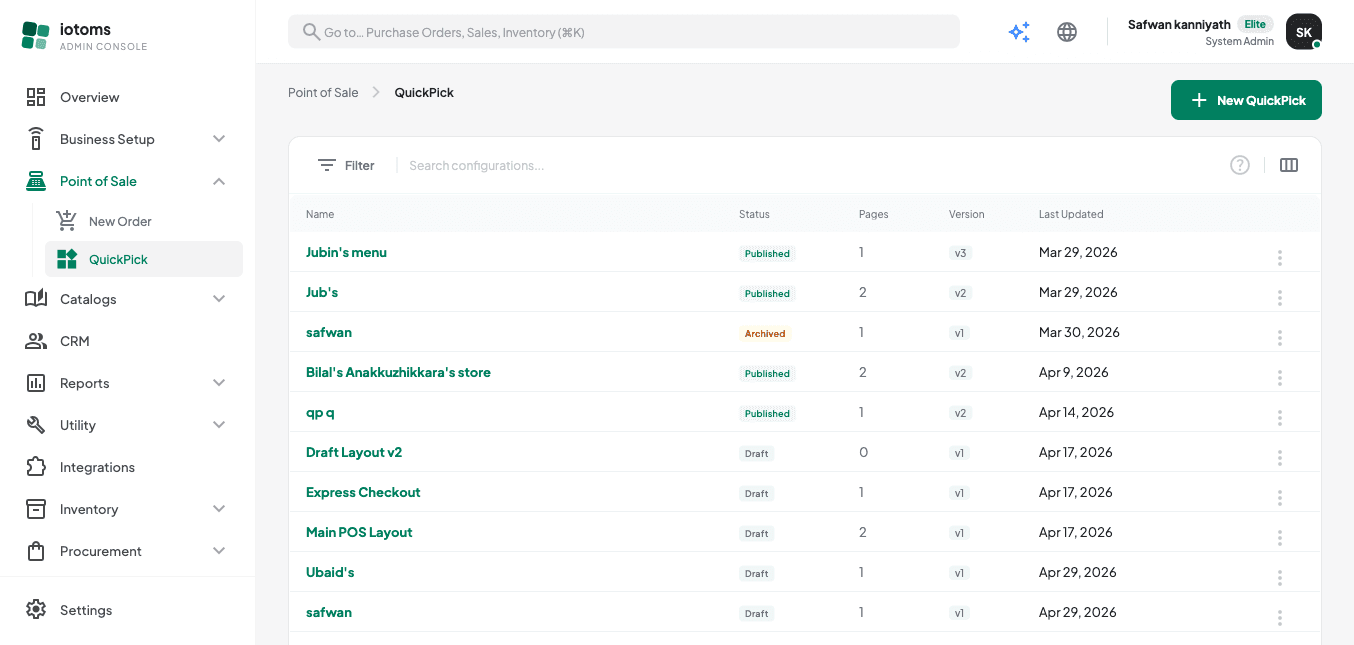
Browsing Existing Configurations
- Open QuickPick from the navigation to see every configuration for your business.
- Look over the list columns:
- Name
- Status (Draft / Published / Archived)
- Pages — how many button pages the configuration has
- Version
- Last Updated
- Use the search box above the list to find a configuration by name.
- Click any configuration's name to open its details.
To narrow the list down by status instead of searching by name, see Filtering the List by Status.