
Attaching a Customer (Optional)
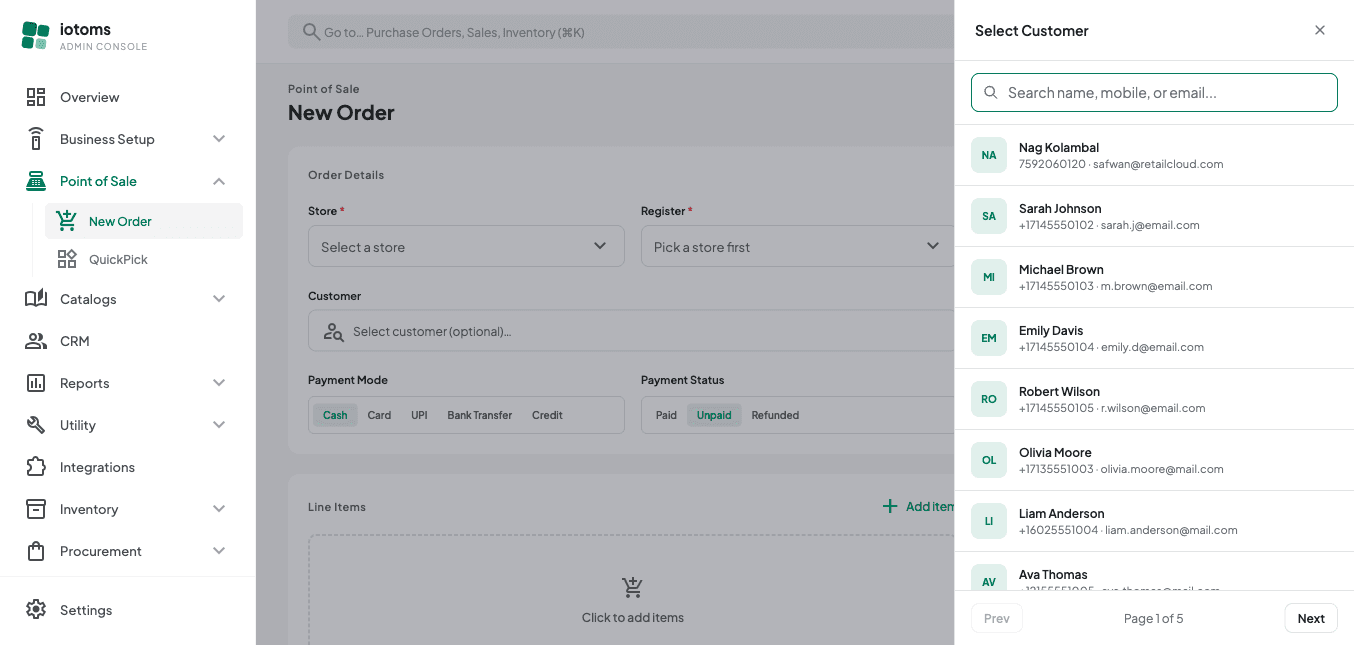
- Click Select customer (optional)….
- In the panel that opens, search by name, mobile number, or email — the list updates as you type.
- Click a customer row to attach them to the order. Their name and mobile number now show inline on the form.
- Click Clear next to the selected customer if you picked the wrong one or want to remove them. A customer is not required to place an order.
Next: Adding Line Items.